November 5, 2026
How to Do Family Church Check-In Without an App or Paper
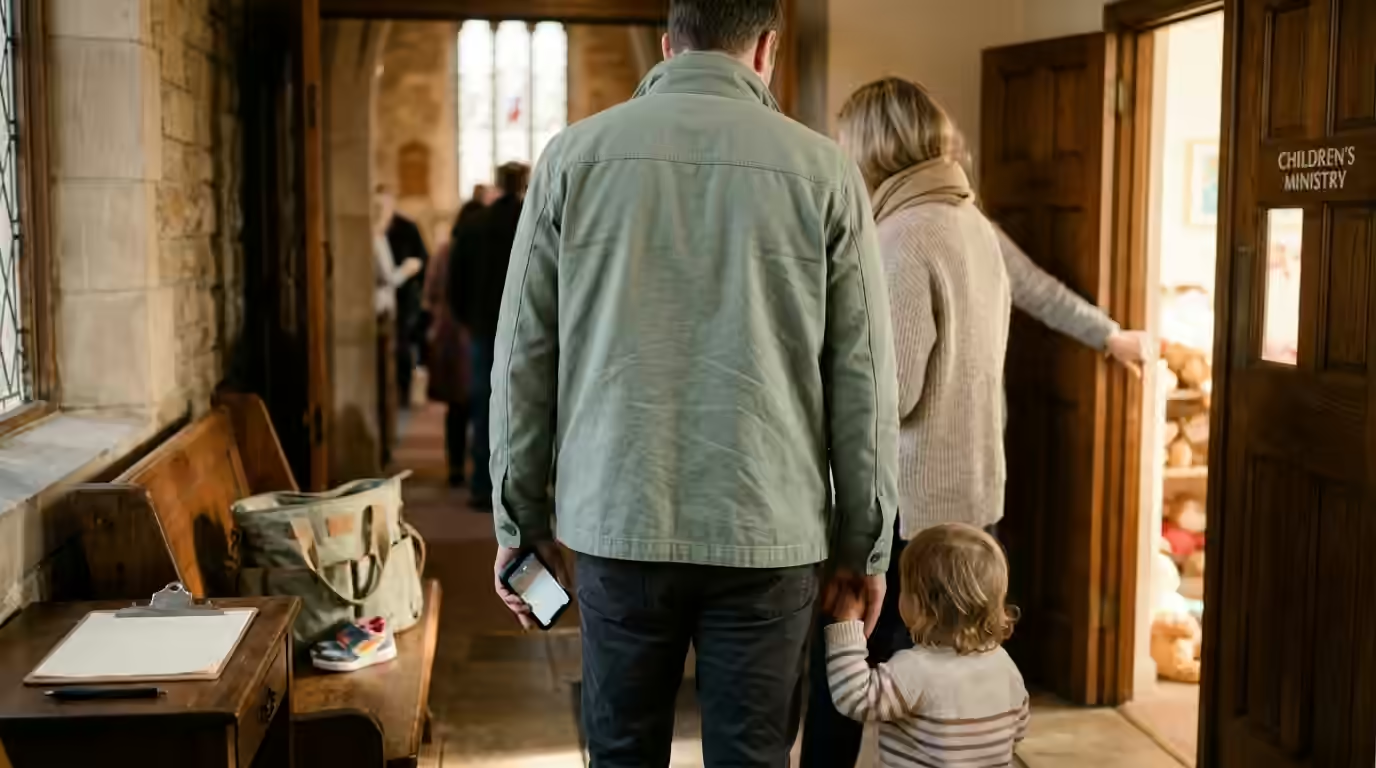
As a pastor, one of the most useful things you can do for your church is to know who actually attends. That means the Sunday service, as well as the gatherings during the week, such as children’s ministry, men’s and women’s ministries, and couples’ evenings. A family church check-in gives you that picture. There are several reasons you want it.
Protecting the children in your care
The most important reason is to protect children. At a children’s event, a parent brings a child. You want to make sure the same parent takes that child home.
In today’s world, many families are separated. Sometimes a court has decided that, for a period of time, only one parent has custody of the child. Imagine one parent brings the child to church and sends them to the children’s ministry. Then the other parent arrives and takes the child away without the first parent knowing. That would be a catastrophe.
So many churches write the name of the parent and the child on a sheet of paper. The children’s ministry leaders check that list every time a parent comes to pick up a child. Maybe they ask to see an ID card. If the name and the signature match the paper, the child goes home.
Jesus said, “Let the little children come to me, and do not hinder them” (Matthew 19:14). Keeping them safe while they are with us is part of welcoming them.
Knowing who has stopped coming
The other reason to know who comes is so you can contact members who stop coming. Better still, you want to be told when it happens.
As your church grows, you can’t do this from memory. You can’t remember who is coming, who is whose parent, and which family has separation issues. I wrote more about this in Why You Can’t Rely on Memory in a Growing Church.
Paper stops being practical too. The children’s ministry can still work with pen and paper. But paper cannot tell you who has stopped coming.
People stop for many reasons. Some have moved to another city. Some have joined a different denomination. Some are so pressed by the enemy that they cannot face coming to church at all. That is exactly the moment to call them and offer help. Paul tells us to “carry each other’s burdens” (Galatians 6:2). Where they need it, encourage them to see a doctor or a qualified counsellor, and help them take that step.
To reach them in time, you need to know they have stopped. That takes a system that checks whether they are checking in and tells you when they have not. Proverbs 27:23 says, “Be sure you know the condition of your flocks.” You can’t know how someone is doing if you don’t know they are missing. For more on why people leave quietly, see Why Church Members Leave Without Saying Goodbye.
Why paper is a privacy risk
A list of names on paper also records that those people belong to your church. That is information about their religion. In the European Union, Article 9 of the GDPR treats data revealing religious beliefs as a special category of personal data with stricter rules. Many other Western countries have their own privacy laws. This is general information, not legal advice. Please check with someone qualified about your own situation.
And who knows what happens to the paper next? A leader carries it home and forgets it at the train station. Now it is in the hands of a stranger. What Happens to Your Members When a Church Database Is Hacked looks at what a leak like that means for the people on the list.
So you need a website or an app to help with these matters. And your members must be able to trust it. Proverbs 11:13 says that a trustworthy person keeps a secret. What members share with their church should be kept just as faithfully.
The two things that stop churches using software
I have visited various churches and talked with pastors. I found two main barriers to getting a whole congregation to use a check-in system.
The first is privacy. People do not feel comfortable giving their name and details to a website they don’t know. They don’t know which company is behind it. They don’t know whether its employees can read their private information. That might be that they used to attend with a partner and are now separated.
The second is that most church software asks every member to install an app on their phone before they can check in.
Why I built Velyora
I built Velyora to solve these two problems. Before I started, the Lord led me to Nehemiah 3:6, where the men repairing Jerusalem’s Old Gate set up its doors, its locks and its bars. The name Velyora comes from the Spanish Velad y Orad, which means watch and pray (Matthew 26:41). Velyora is software that helps pastors and church leaders. One thing it does is check in adults and children alike. It also checks children out, so the same parent takes the same child home. There is one scan at drop-off and one scan at pick-up.
Encrypted so that even I cannot read it
Many pastors don’t know this protection exists. It is called end-to-end encryption.
Here is what it means in practice. A member types their name, their child’s details or a prayer request into their phone, or into a tablet your leaders hand them. Before that information leaves the device, it is locked so no person can read it. It is stored locked.
When you or your leaders open Velyora on your own laptop or phone, the information is unlocked on your device only. So only you and your leaders can read it. I cannot read it. Nobody with access to Velyora’s servers can read it.
Nothing to install
Velyora works in the phone’s web browser. You don’t install anything. Neither do your leaders or your members.
Four ways to check in
Some pastors still find it hard to get members to use any web page at all. So Velyora gives you four ways to check people in:
- Your leaders type the member’s name in for them.
- Members type their own name on a tablet your leaders hand them.
- Members scan a QR code that you print and stick on the church wall. A page opens on their own phone where they enter their name.
- You give each member their own QR code. You can print it and hand it over, or send it by WhatsApp or Telegram. The member shows it at the door, and your leader scans it.
Whichever way you choose, the information goes into Velyora locked and secure, as I described above. You see who came, with which children, and when they left.
A family church check-in that remembers
Each person’s information is entered once. After that, the system remembers it.
It even remembers who usually comes to which gathering together. Say a father brings his wife and children to the Sunday service. Next time he checks in, their names appear with his. Velyora assumes they came with him. He or your leaders can remove anyone who isn’t there that day.
When he takes his two children to the children’s ministry, only his name and his two children’s names appear to check in. One phone checks in the whole family. Joshua said, “As for me and my household, we will serve the Lord” (Joshua 24:15). Coming to church together is part of that. For more on how quick the weekly routine is, read Scan Once, Tap Forever.
Each adult gives their own consent
One parent can check in the whole family. Even so, each adult still gives their own consent to the church recording their details. Nobody agrees for another adult.
Faster mornings for families with small children
Parents of small children know what Sunday mornings are like. Shoes go missing and someone needs a diaper changed. At the door, the last thing they need is a form for every child. With one tap, the family is in, and the parents can walk their children to their room.
Why this matters to me
“How good and pleasant it is when God’s people live together in unity!” (Psalm 133:1). At Velyora we want to help churches keep their congregations together. We want to keep their members safe with good technology. And we want to do it without revealing members’ private information to anyone outside the church. Nobody needs to add another app to a phone that is already full of them.
Frequently asked questions
Does every family member need a phone?
No. One parent’s phone can check in the spouse and children together. Anyone without a smartphone can use the tablet at the door, or a leader can check them in.
Do my members need to install an app?
No. They use their phone’s camera and browser. Nothing needs downloading.
Can a parent check in their spouse without their agreement?
A parent can add the family to the check-in. Each adult still gives their own consent to their details being recorded by the church.
How do I know the right adult collected a child?
Velyora checks children in with one scan at drop-off and checks them out with one scan at pick-up. Your leaders can see which adult brought the child and who took them home.
What if part of the family stays home this week?
The family’s names appear together. The parent or a leader removes anyone who isn’t there before checking in.
If you’d like to see how it works with your own leaders, you can sign up and use every feature free for three months. I hope Velyora helps you and your church members. God bless you.